
Buying Guides
KOALA NOTE vs NOTE PLUS vs NOTE PRO: Which AI Voice Recorder Is Right for You?
Compare confirmed recording workflows, PLUS Wi-Fi 6 transfer, and PRO real-time Thai transcription. Separate verified capabilities from the details you should confirm before ordering.
Start with the job, not the model name
After a meeting, the difficult part is often deciding what was agreed, which questions remain open, and who owns the next step. Keeping the original recording gives you a reference for checking those details. Transcription and AI summaries can help organize the material, but they are working drafts rather than a substitute for reviewing the audio and confirming decisions.
KOALA NOTE, NOTE PLUS, and NOTE PRO all appear in the KOALA Thailand catalog. The words PLUS and PRO are not a universal ranking. Ask whether you need to read Thai text during recording, how frequently you move files, and how your team will use the result. Those requirements are more useful than assuming that the most advanced-sounding name suits everyone.
- Business meetings and project reviews: check decisions and their context before circulating minutes.
- Classes and training: organize material for revision after obtaining the appropriate recording permission.
- Customer interviews: distinguish the participant’s words from your interpretation.
- Multilingual work: confirm the specific feature and language pair before making it part of a workflow.
Compare confirmed capabilities
| Requirement | KOALA NOTE | KOALA NOTE PLUS | KOALA NOTE PRO |
|---|---|---|---|
| Workflow to consider | Record first, then transcribe and summarize | Frequent recording and file transfer | Read Thai transcription while recording; use Ask AI afterward |
| Start and save | Slide recording switch up to start, down to finish and save, per shared FW920 instructions | Shared FW920 instructions; verify the physical model before use | Exact model-specific button instructions still need confirmation |
| Wi-Fi | Not confirmed in the available source | Wi-Fi 6 file transfer is listed in product data | Not confirmed in the available source |
| File transfer | Connect to the app to download files; shared instructions describe supplied magnetic cable and OTG adapter | Wi-Fi 6 listed; confirm current app menu and transfer steps | Wi-Fi and wired transfer procedures still need confirmation |
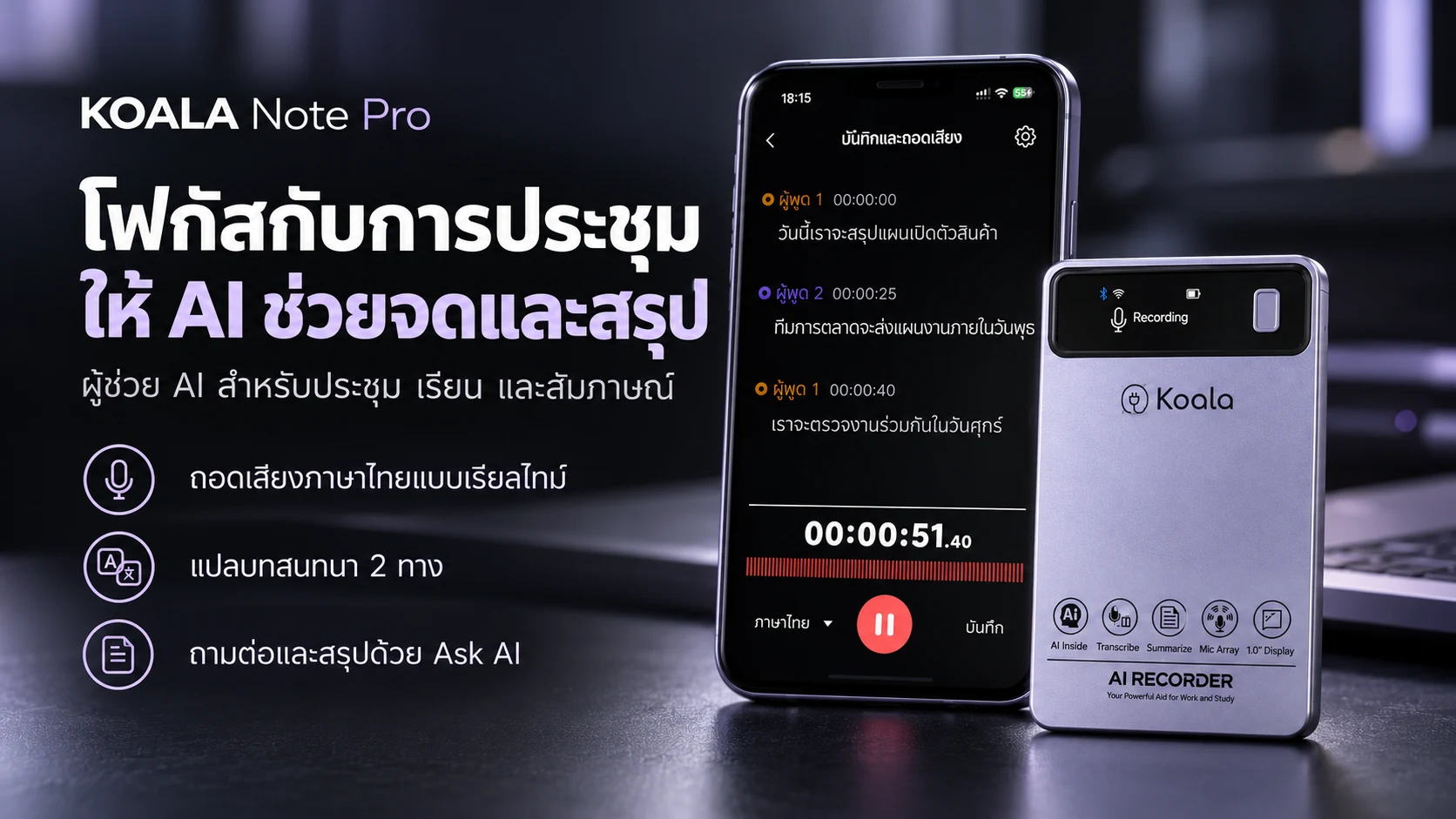
| Transcription | Select a recorded file and Transcribe afterward; Thai supported | Post-recording transcription in shared instructions; Thai supported | Real-time Thai transcription through the app is confirmed |
| AI summaries | Summary and Mind Map in shared instructions | Summary and Mind Map in shared instructions | Ask AI summaries based on recorded content |
| Ask AI | Not confirmed for this model | Not confirmed for this model | Follow-up questions, summaries, follow-up planning and email drafts confirmed |
| App | DOWAY in the confirmed shared instructions | DOWAY in the confirmed shared instructions | Exact app name and connection instructions need confirmation |
| Languages and translation | Thai for documented features; confirm English and other languages | Thai for documented features; confirm other languages | Real-time Thai, bilingual text and two-way conversation translation; confirm required language pair |
| AI plan and price | Confirm current order entitlements | Confirm current order entitlements | Confirm current order entitlements |
Shared instructions are not evidence that every app version has identical controls. In particular, the PLUS Wi-Fi transfer flow and the PRO app should not be inferred from NOTE instructions. Ask support to confirm the exact model, app version, connection method and included accessories when they matter to your workflow.
Use the NOTE getting-started guide for documented operation and the NOTE PRO product page for its listed capabilities.
Choose around your actual work
Students and everyday office work
Consider NOTE when the main task is listening first and reviewing later. Its documented recording and post-recording transcription process gives you a concrete workflow to assess. Before using any recorder in a class or workplace, check permission requirements and whether the app and file-storage arrangements are acceptable to your institution. Recording capability is not permission to record every conversation.
Managers, sales teams and frequent interviewers
Consider PLUS when transferring recordings is a recurring part of your day. Its product information lists Wi-Fi 6 transfer and microphones improved for meetings. That does not establish a transfer speed in every network or an accuracy result in every room. Test a representative recording with your phone, environment and normal file length before buying for a whole team.
Reading along and asking follow-up questions
Consider PRO if real-time Thai text through the app or Ask AI is a specific requirement. Its confirmed capabilities include summaries, follow-up planning and email drafts based on recorded content. They do not establish superiority in every hardware characteristic. App identity, connection setup, account entitlements and your required language pair still need checking before ordering.
A practical pre-purchase checklist
- Recording environment: consider distance, air-conditioning noise and echo, then test placement before an important session.
- Connection: verify phone model, operating system, app and transfer method. Do not assume that every model supports Wi-Fi.
- Language: explain whether you need Thai, English or mixed-language meetings and confirm the exact feature and language pair.
- AI entitlement: ask which features, quotas, expiry dates, renewal terms and costs apply to the actual order.
- Data management: establish who can access recordings, where backups belong, and whether your organization permits the app workflow.
- After-sales support: read current terms and keep purchase and delivery evidence.
This article does not quote prices, free minutes or plan durations. Entitlements can depend on the listing and purchase conditions, and another model’s offer does not establish the package for your order. Confirm the current official listing or ask the team for written clarification before purchase.
Review the warranty and registration terms. Eligible models have a one-year base warranty with an extension to two years total when the stated registration conditions are met within 14 days of delivery. Original unconditional warranty promises remain protected.
Choose a workflow you can maintain
Start by assessing NOTE for a documented record-and-review process, PLUS when Wi-Fi 6 transfer addresses a real file-handling requirement, and PRO when reading Thai transcription during recording or using Ask AI is essential. No model removes the need to check information or obtain recording permission.
Continue with turning Thai meeting recordings into actionable notes to see the work after recording. For team purchasing, describe user numbers, languages and data requirements through the corporate quotation form; you do not need to disclose confidential meeting content to ask for product advice.
Related products
AI Recorder
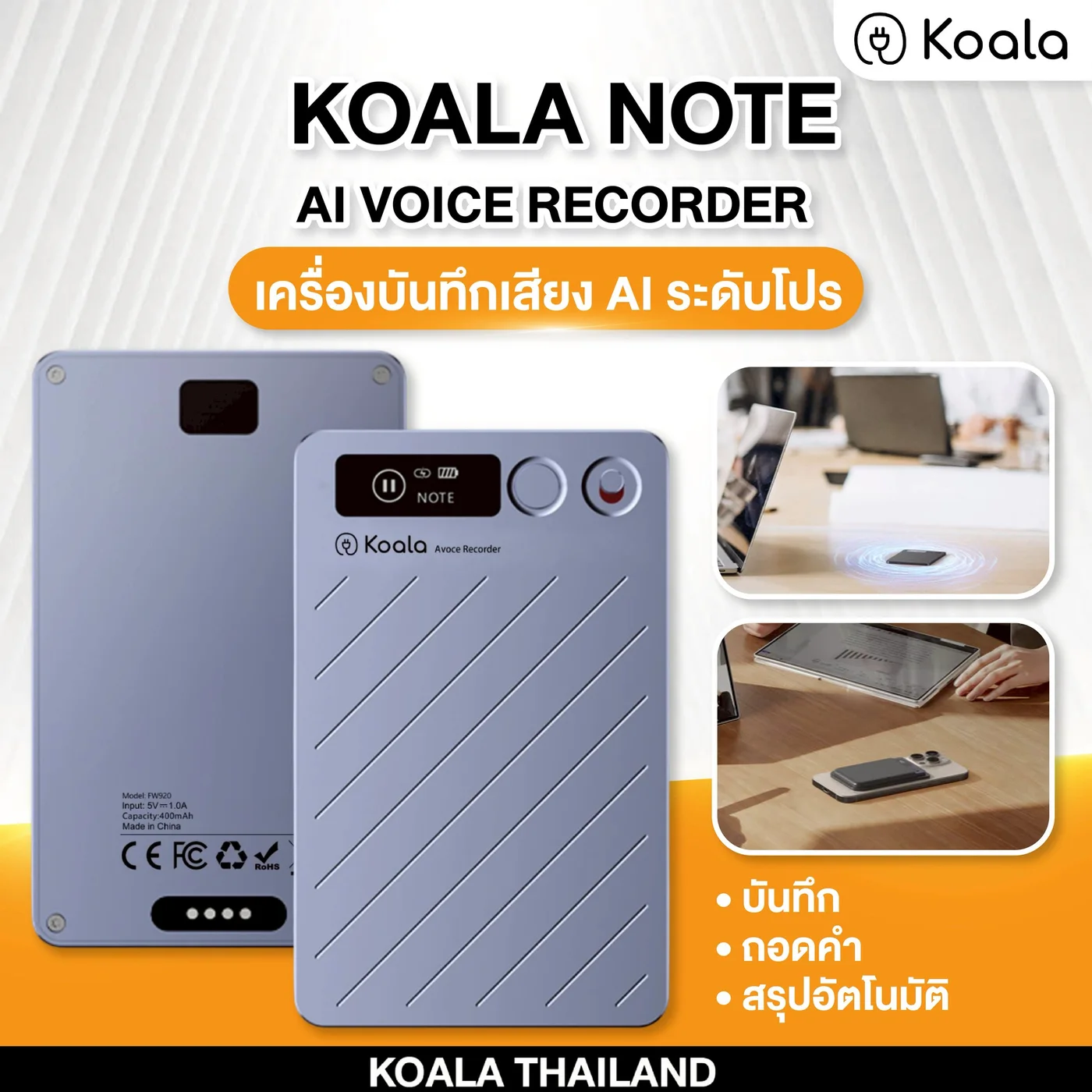
KOALA NOTE
AI voice recorder for meetings, classes, and interviews.
Record, transcribe, and summarize with AI, including Thai support.

AI Recorder
KOALA NOTE PLUS
Upgraded AI recorder for frequent and serious users.
Wi-Fi 6 and improved microphones for real work meetings.
Related products
AI Recorder
KOALA NOTE
AI voice recorder for meetings, classes, and interviews.
Record, transcribe, and summarize with AI, including Thai support.
AI Recorder
KOALA NOTE PLUS
Upgraded AI recorder for frequent and serious users.
Wi-Fi 6 and improved microphones for real work meetings.
AI Recorder
KOALA NOTE PRO
Real-time Thai transcription, conversation translation, and Ask AI summaries
Read along while recording, then organize follow-up work with Ask AI
Equip Your Team with Smarter Tools
Looking for AI recording solutions for your business? Explore corporate purchasing options and request a tailored quotation.
Request a Corporate Quote