
Real-time transcription
Read Thai text while recording through the app. Review the transcript against the original audio before important use.
KOALA Care / After-purchase service
Register your product, find usage guidance, and contact our team in one place.
Step 1 / Register Warranty
Provide your purchase details to make verification easier. Registration does not change the original warranty period or terms.
Step 2 / Get Started
Select a product to see information for your model.
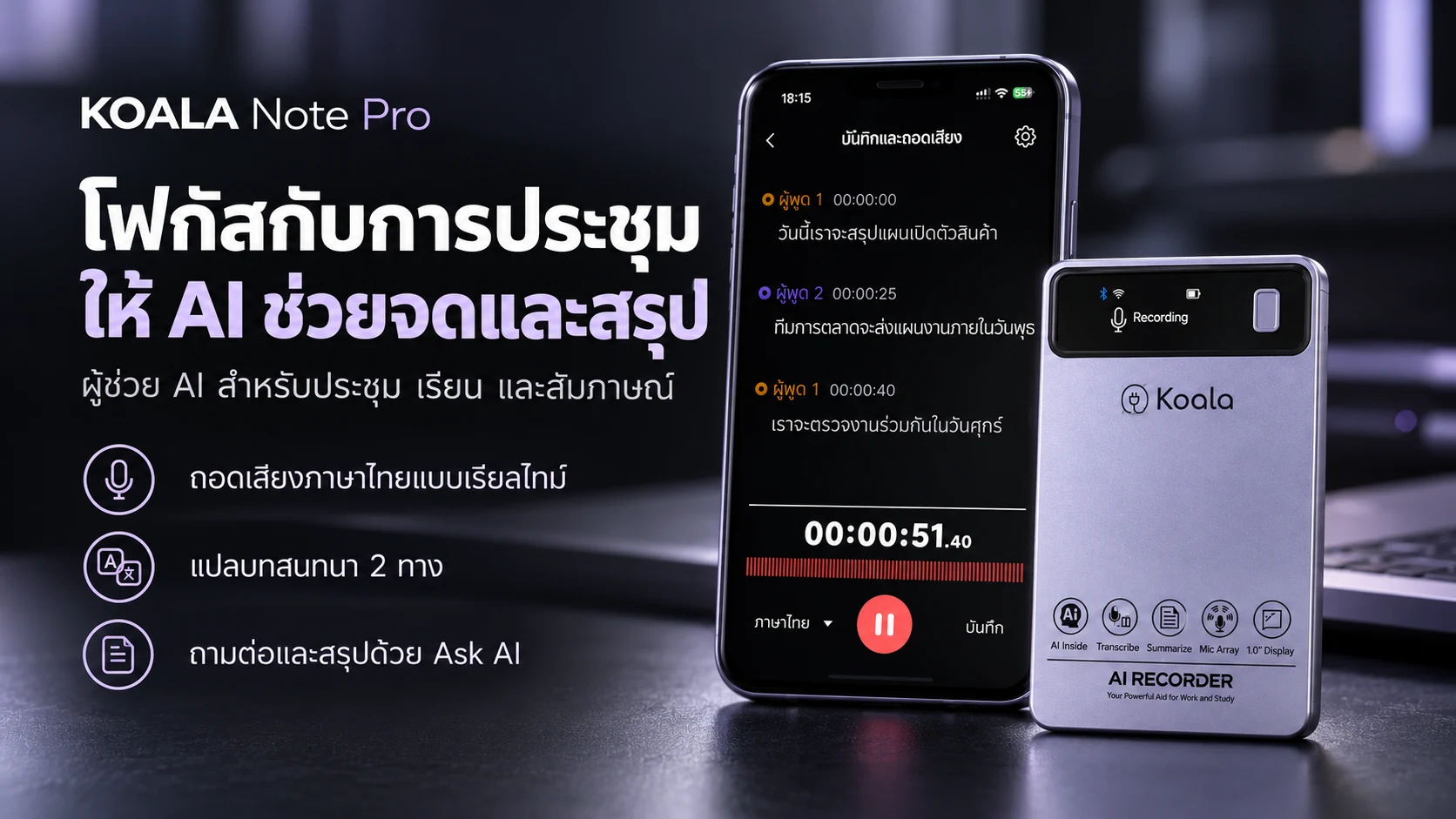
NOTE PRO feature overview. Detailed operating steps await the model-specific manual. Contact our team for setup guidance.
Detailed steps are being verified against the official manual. Please refer to the manual included with the product or contact our team for help.
Read Thai text while recording through the app. Review the transcript against the original audio before important use.
Bilingual text and two-way conversation translation are supported. Ask our team about your required language pair.
Help summarize key points, plan follow-up work, and draft emails from recorded content. Review answers before use.
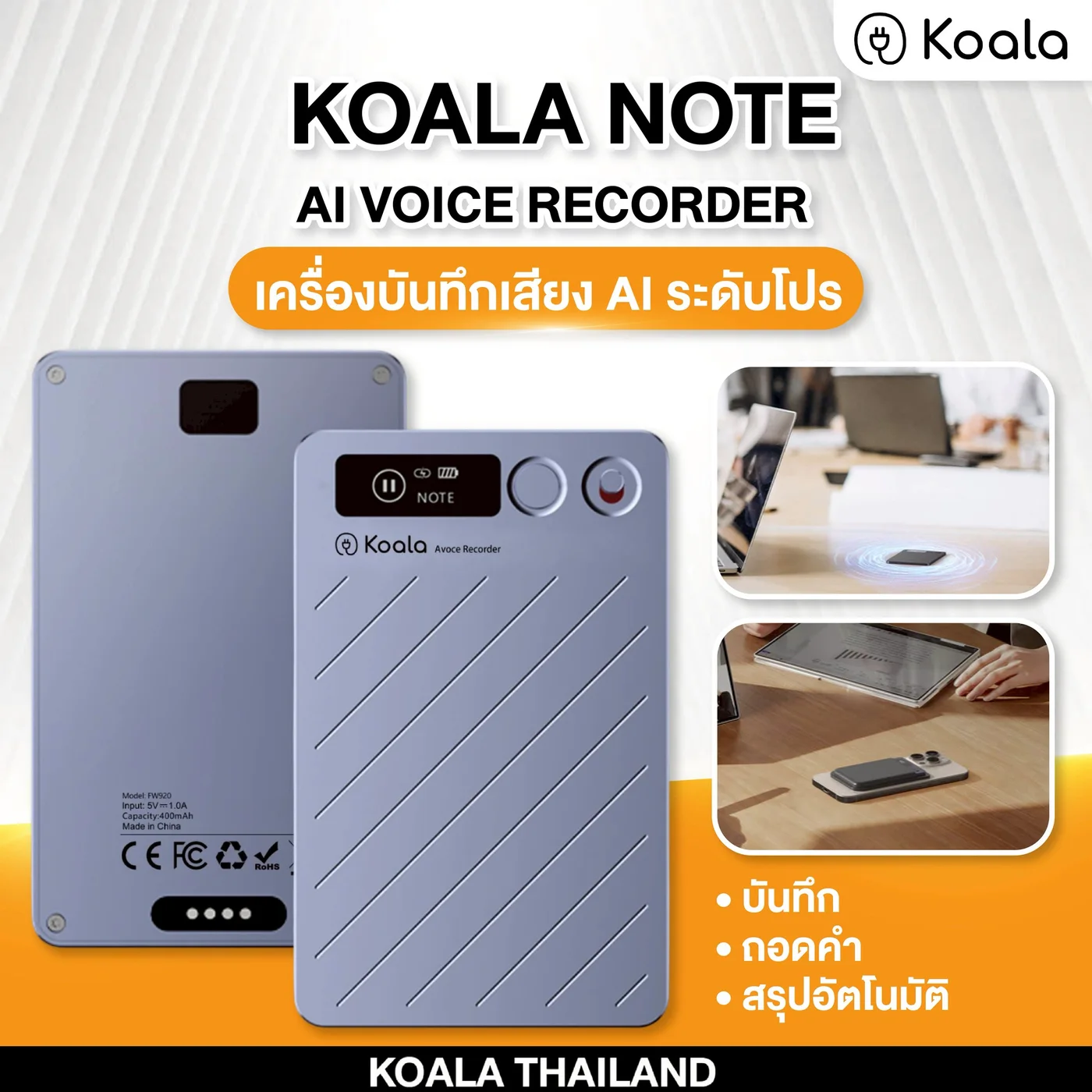
Shared KOALA NOTE and KOALA NOTE PLUS guidance based on the FW920 product specification, covering activation, recording, app connection, and transcription.
Before first use, charge the recorder and connect it to the app to activate normal operating mode.
While the display is awake, double-press the power button to switch modes.
Before recording audio or a conversation, inform everyone involved and follow applicable privacy laws and rules.
Once connected, the app can access supported recording, playback, and file-management functions.
The selected transcription language must match the language spoken in the recording.
Charge with the supplied magnetic cable and a 5V/1A (maximum) adapter. To connect to a phone or computer, use the supplied cable with the included OTG adapter.
This specification does not document the exact Export or Share controls in the app. Use only the options shown in the current app version, or contact support before an important workflow.
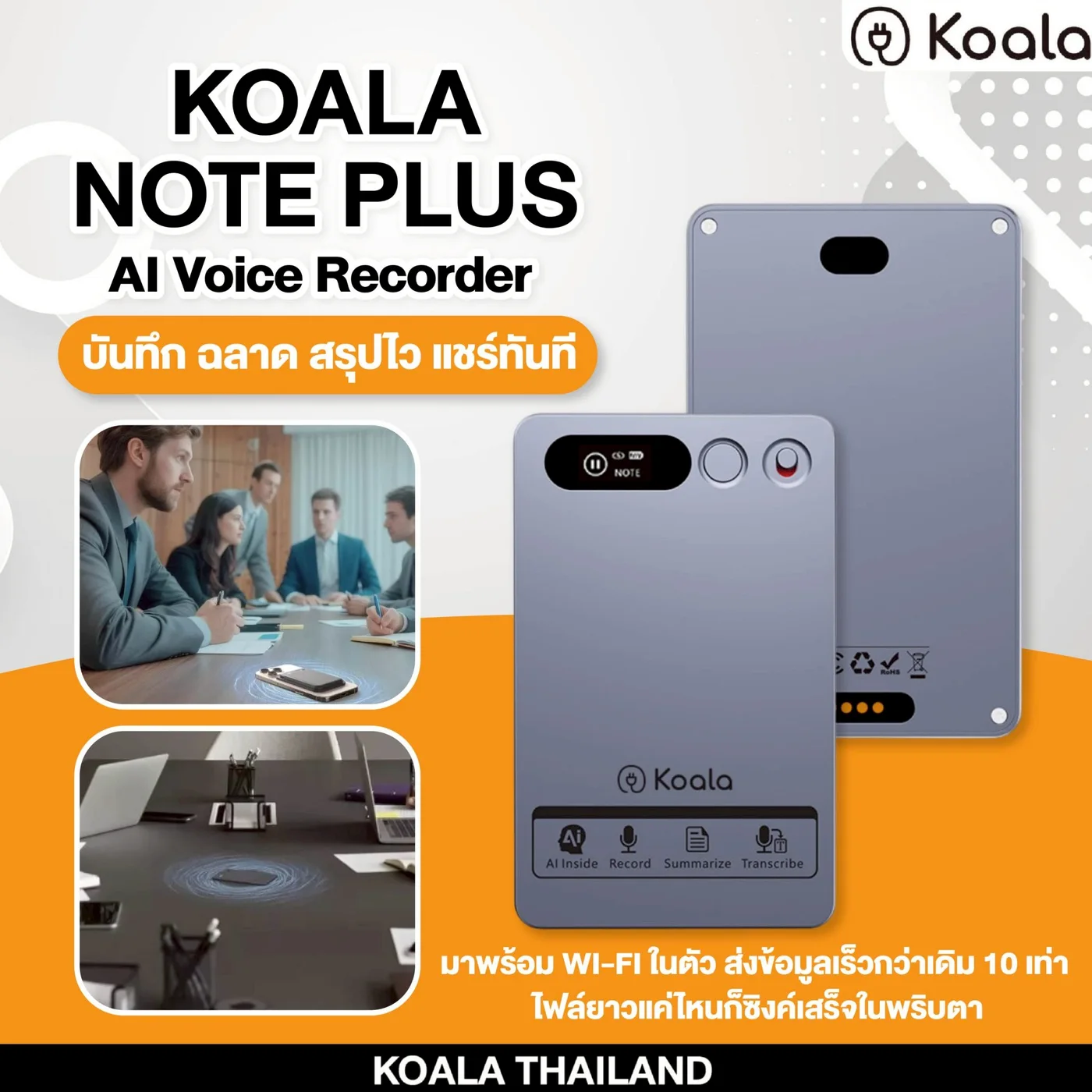
Shared KOALA NOTE and KOALA NOTE PLUS guidance based on the FW920 product specification, covering activation, recording, app connection, and transcription.
Before first use, charge the recorder and connect it to the app to activate normal operating mode.
While the display is awake, double-press the power button to switch modes.
Before recording audio or a conversation, inform everyone involved and follow applicable privacy laws and rules.
Once connected, the app can access supported recording, playback, and file-management functions.
The selected transcription language must match the language spoken in the recording.
Charge with the supplied magnetic cable and a 5V/1A (maximum) adapter. To connect to a phone or computer, use the supplied cable with the included OTG adapter.
This specification does not document the exact Export or Share controls in the app. Use only the options shown in the current app version, or contact support before an important workflow.
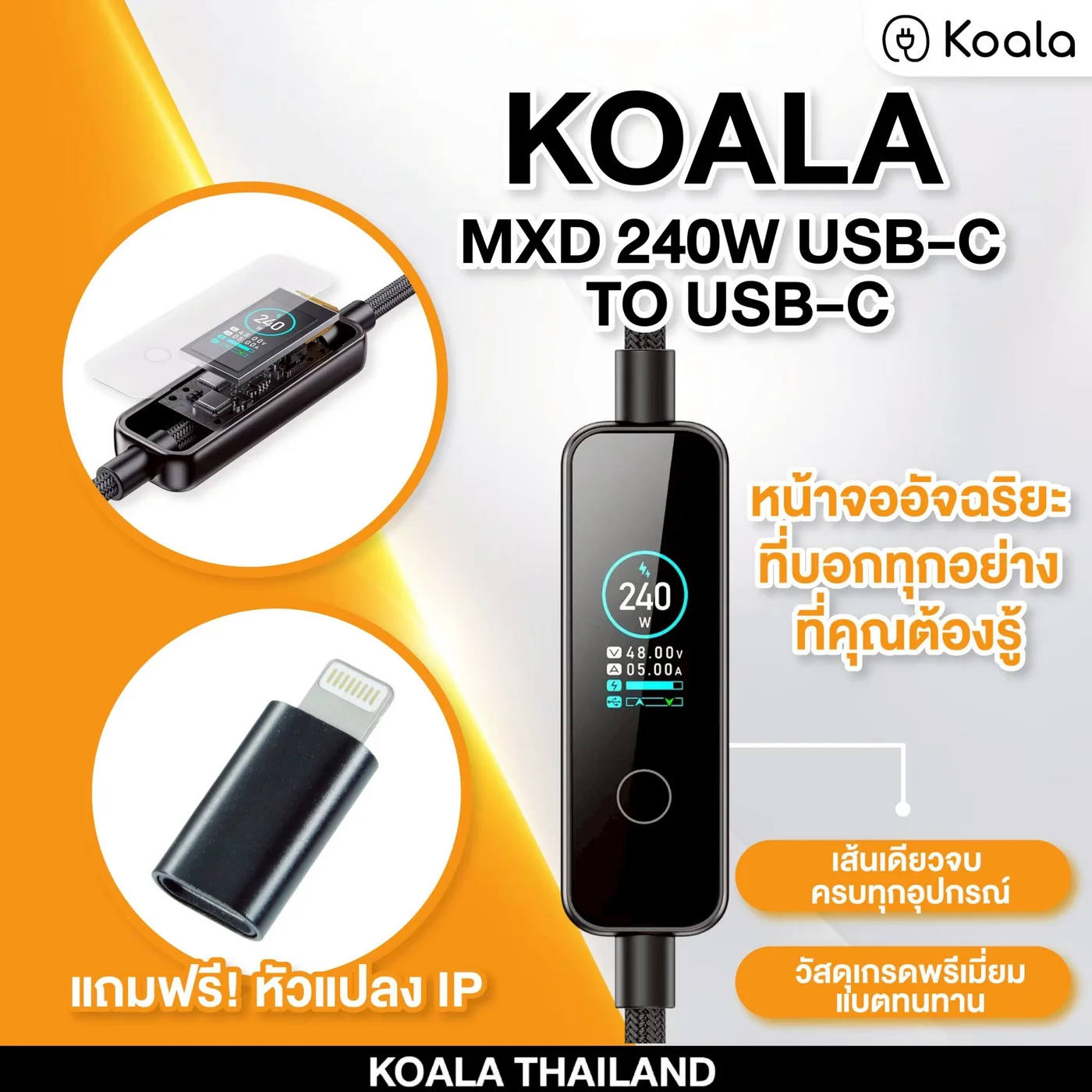
240W metal charging cable with a charging status display.
Yes, with USB-C iPhone models. Actual power depends on the device and charger.
Yes, with USB-C devices that support PD charging.
240W is the cable maximum. Actual power depends on the charger and device.
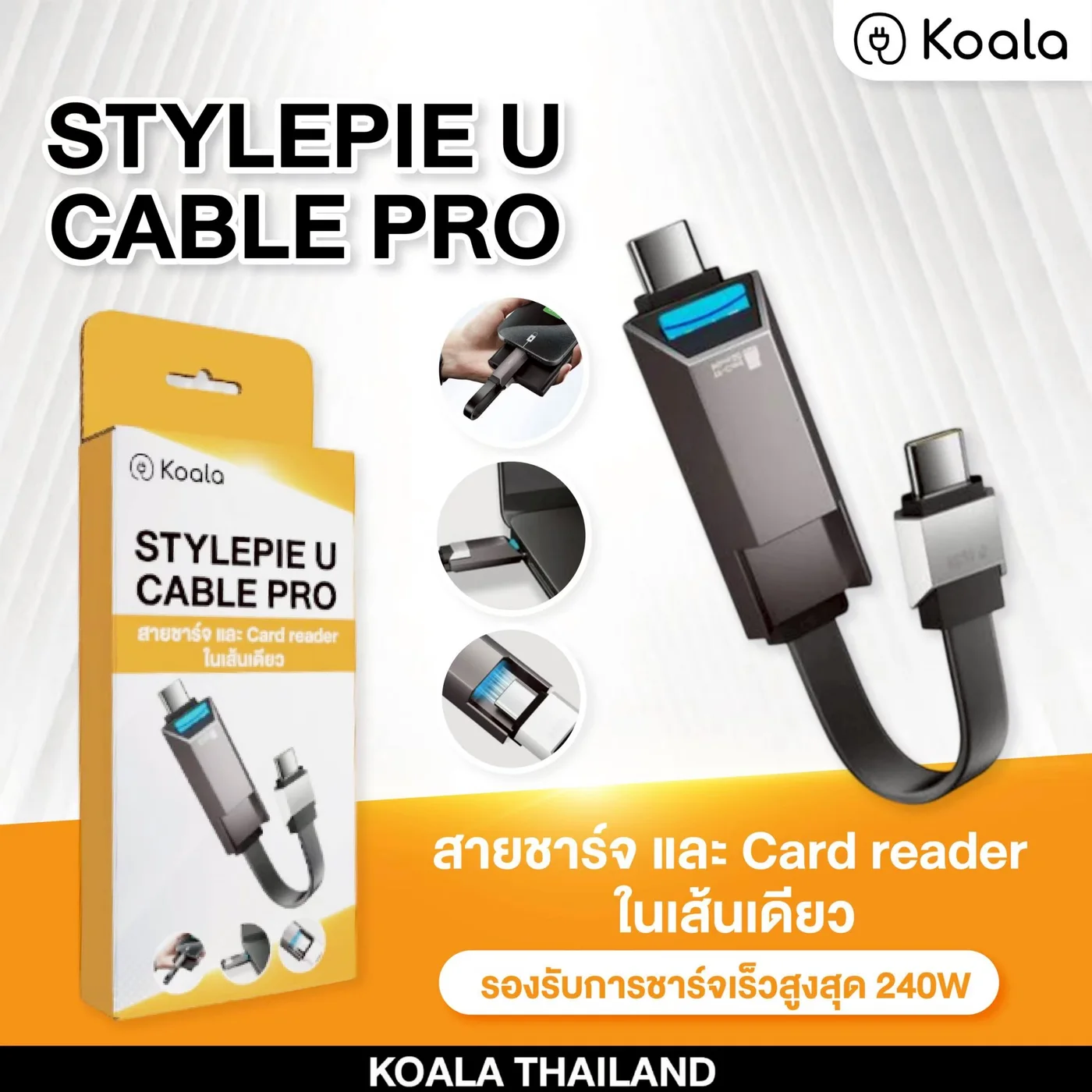
Starter guidance based on current product specifications. Check device compatibility before use.
Use with iPhone models that have a USB-C port. Card access depends on the file formats supported by the device.
Before use, check that your USB-C phone supports OTG and card access.
The built-in reader supports TF / MicroSD cards up to 2TB according to the product specifications.
For iOS, exFAT is recommended. Back up the card before formatting because existing data may be erased.
See the product page for answers about iPhone, Android, iPad, MacBook, and supported speeds.
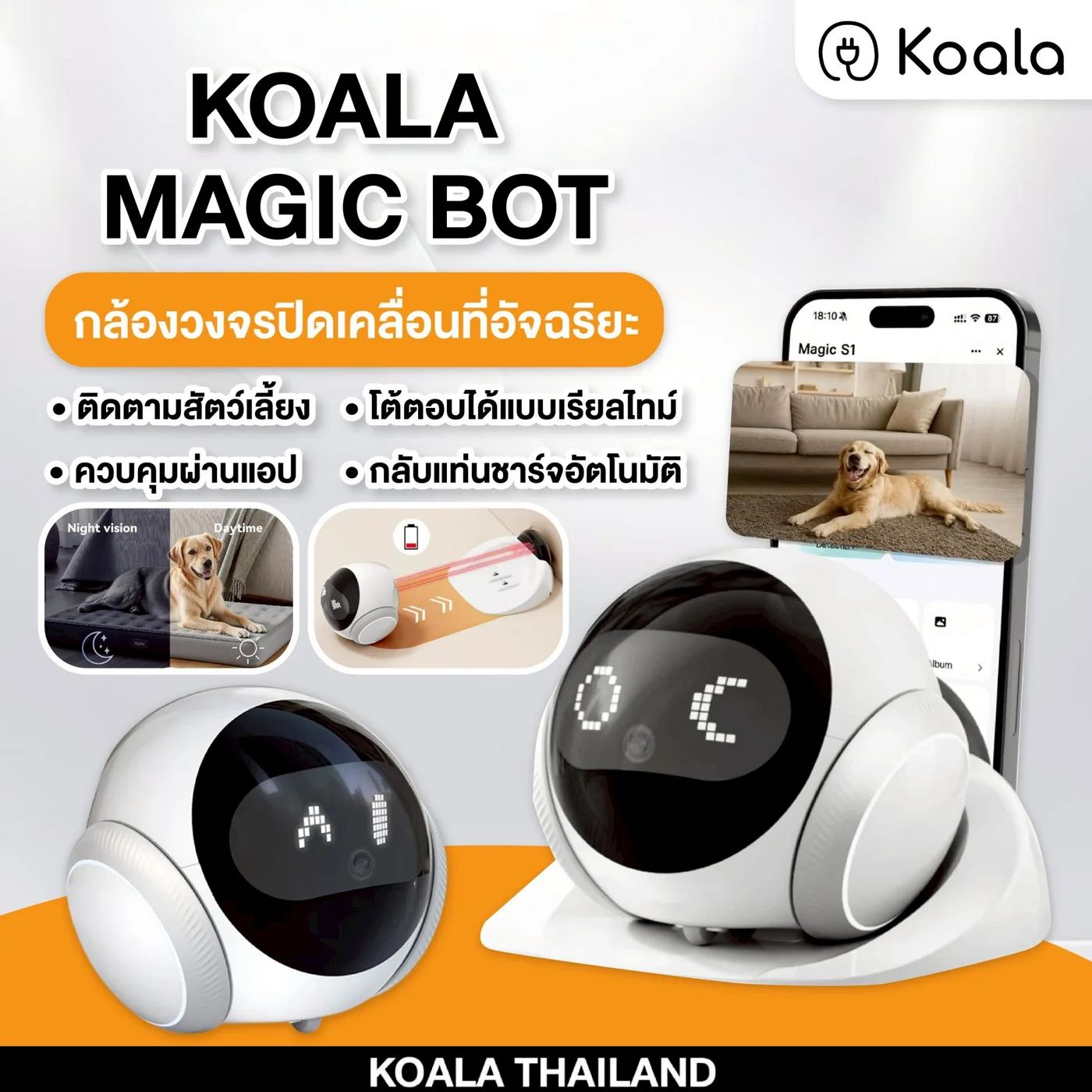
Smart mobile pet camera for real-time viewing on your phone.
Yes, after connecting the device and app as instructed.
Yes. Wi-Fi is required for real-time mobile viewing.
Yes, after setup.
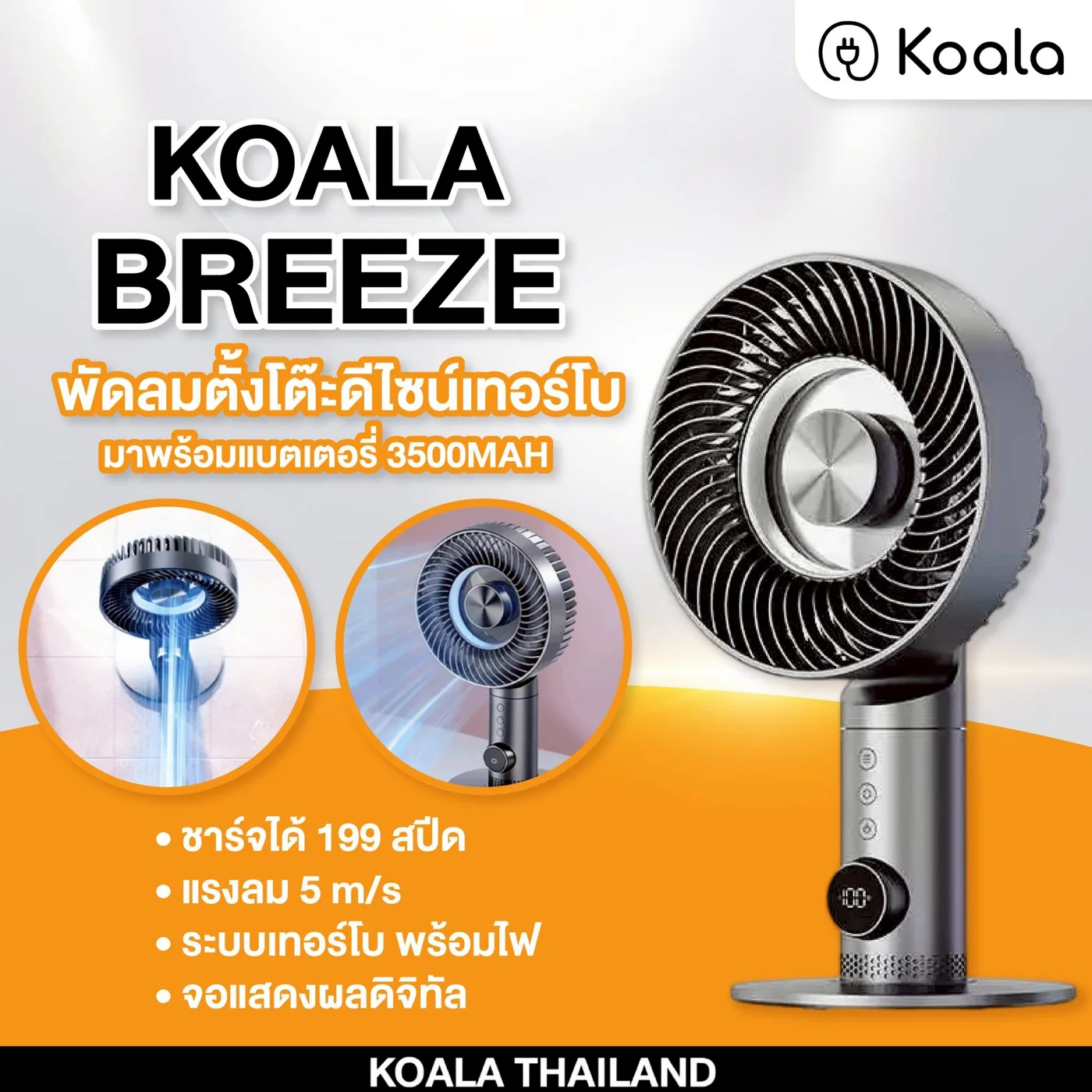
Premium desk fan for work desks, bedrooms, and dorms.
Runtime depends on wind level and usage pattern.
Check the official manual for safe continuous use while charging.
Yes. It is suitable for bedrooms, desks, and personal spaces.
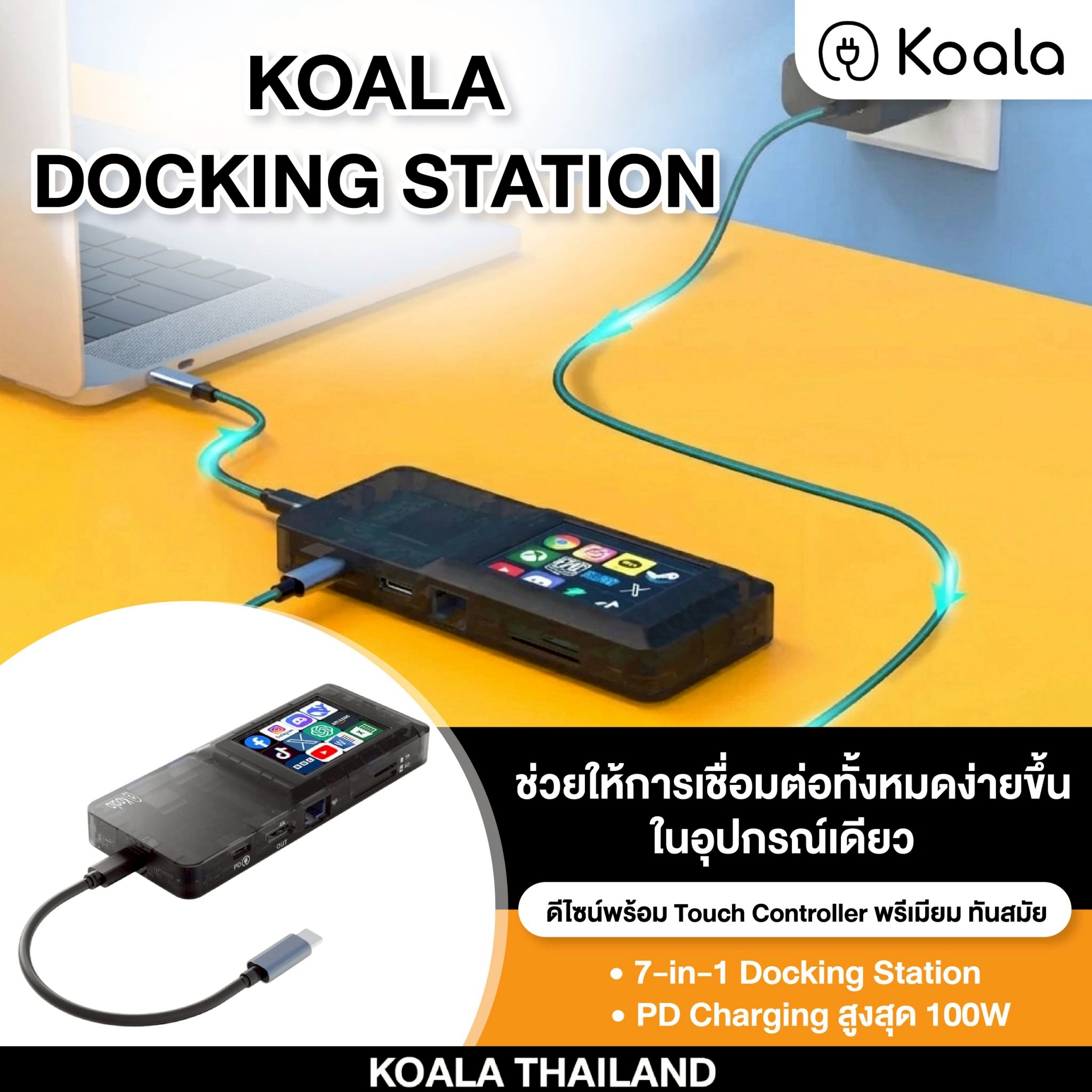
7-in-1 USB-C hub with HDMI 4K, LAN, USB 3.0, and 100W PD charging.
Supported functions depend on the connected device. HDMI requires USB-C video output or DisplayPort Alt Mode support.
Check whether the laptop supports USB-C video output / DisplayPort Alt Mode, plus the HDMI cable, display, and display settings.
100W is the maximum supported value. Actual charging power depends on the adapter, cable, and device.

koala Pro electric umbrella overview. Detailed operating and charging instructions await the confirmed manual. Contact our team for guidance.
Detailed steps are being verified against the official manual. Please refer to the manual included with the product or contact our team for help.
Control the electric mechanism using the buttons on the handle with the hand holding the umbrella.
This model has a Type-C charging port. Check the manual or ask our team about the adapter and charging instructions before use.
Open diameter: 115 cm. Open height: 66 cm. Folded height: 34 cm. Folded width: 6.5 cm. The frame has 10 ribs.
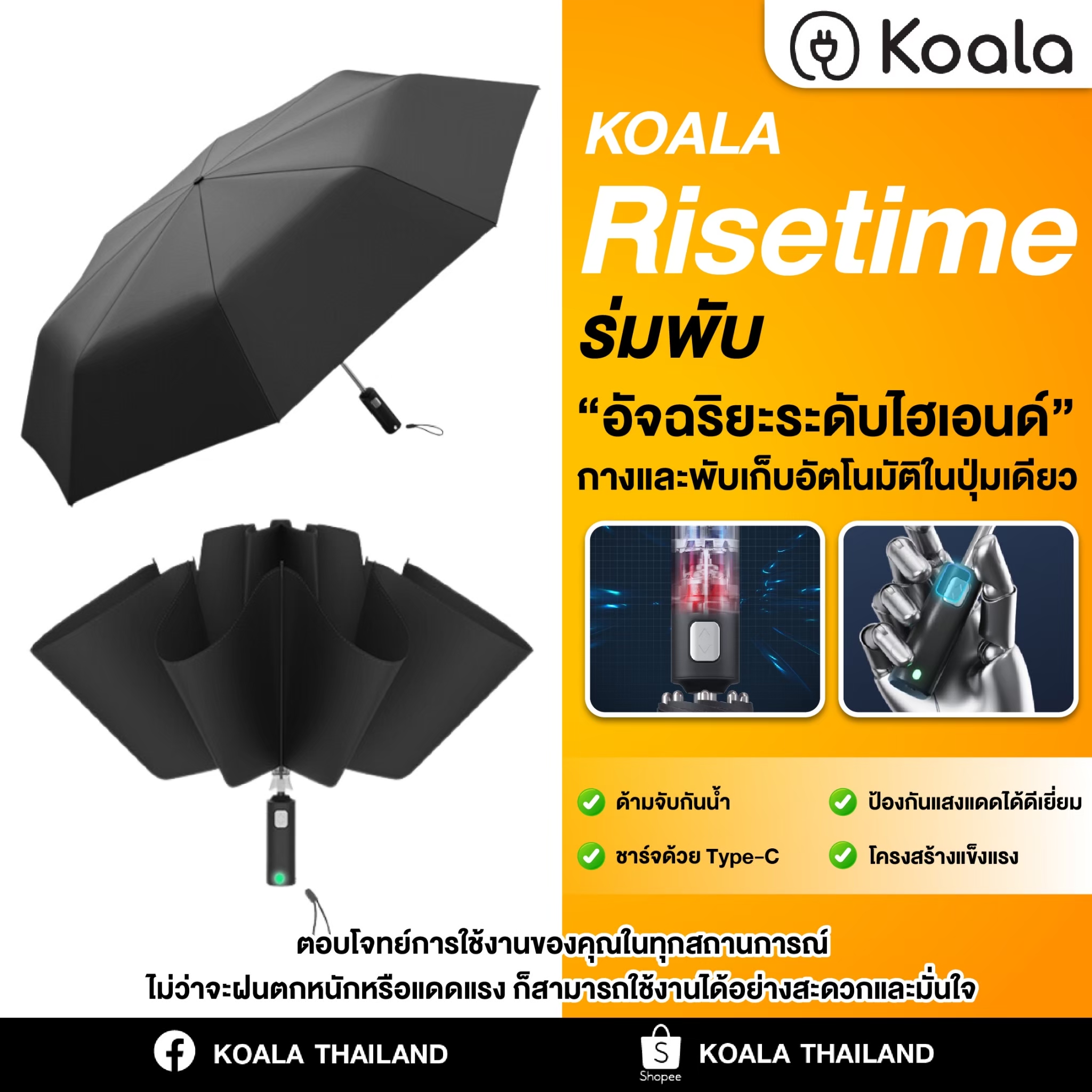
Portable umbrella for everyday use and travel.
This product is currently sold through Shopee Official Store only.
There is no TikTok Shop link for this product yet.
Use the Shopee Official Store link shown on this website.
Complete Your Setup
Selected for related workflows. These are not required add-ons.
There are currently no accessories confirmed specifically for this model. Contact our team if you need advice.
For an organized desk and external display connections during meetings.
For meeting desks that need an external display and wired LAN.
There are currently no accessories confirmed specifically for this model. Contact our team if you need advice.
Another option for expanding laptop ports at a workstation.
There are currently no accessories confirmed specifically for this model. Contact our team if you need advice.
There are currently no accessories confirmed specifically for this model. Contact our team if you need advice.
For TF / MicroSD card transfer workflows away from the desk.
There are currently no accessories confirmed specifically for this model. Contact our team if you need advice.
There are currently no accessories confirmed specifically for this model. Contact our team if you need advice.